According to this article:
http://www.metanetsoftware.com/technique/tutorialA.html
Now we have done a simple collision system (in gridbase branch) which only supports rects. It doesn't support scaling yet.
You can add it from menu "Component > Boss Physics > Physics Entity".

(BOSS) Studio II Game
Tuesday, March 11, 2014

Monday, March 10, 2014


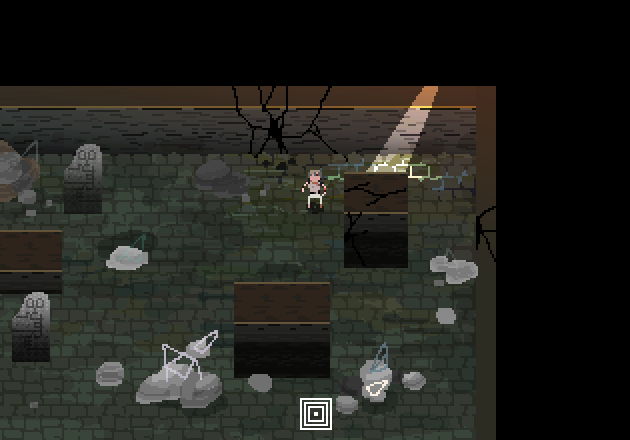
Sunday, March 9, 2014

Wednesday, March 5, 2014
Constants.xml Doc v0.1
There are a few numbers that can be tweaked.
1<!-- the speed the player moves without pressing SHIFT -->
1.5<!-- the speed the player moves when pressing SHIFT -->
0.1<!-- the speed the boss rushed to the player on clapping -->
0.04<!-- the speed the boss goes when shooting -->
0.2<!-- the speed of the boss' bullets -->
Friday, February 28, 2014
New prototype: Space Being Shot!

It is in gridbase branch.
Exploring the playful part of the game.
It's kind of hard game and works well.
Coordinates in the game.
There are two coordinate systems in this game.
- Unity's built-in 3d coordinates which uses left-hand coordinate system. using Vector3 class.
- 2D screen tile-based coordinate system. using VectorInt2 class.
The problem is that the Y-axis is reversed between these two. Be aware of that.
Use Level.WorldToGrid(Vector2) to translate the first to the second.
Subscribe to:
Posts (Atom)